
If you’ve ever been to a big conference, trade show, or even a fun meetup, you know how busy things can get. There are registrations, check-ins, session changes, networking, and collecting feedback. Everything happens at once. It can get a little chaotic.
That’s where mobile event apps come in. We will dive into the event attendee app vs the event organizer app. But it’s simple, both are just tools that make an event run smoothly. The attendee app is designed for attendees of the event. On the other hand, the organizer app is for the event organizers and the team managing the event. This event app comparison shows how both can work together to create a better experience for everyone.
What Is an Event Attendee App?
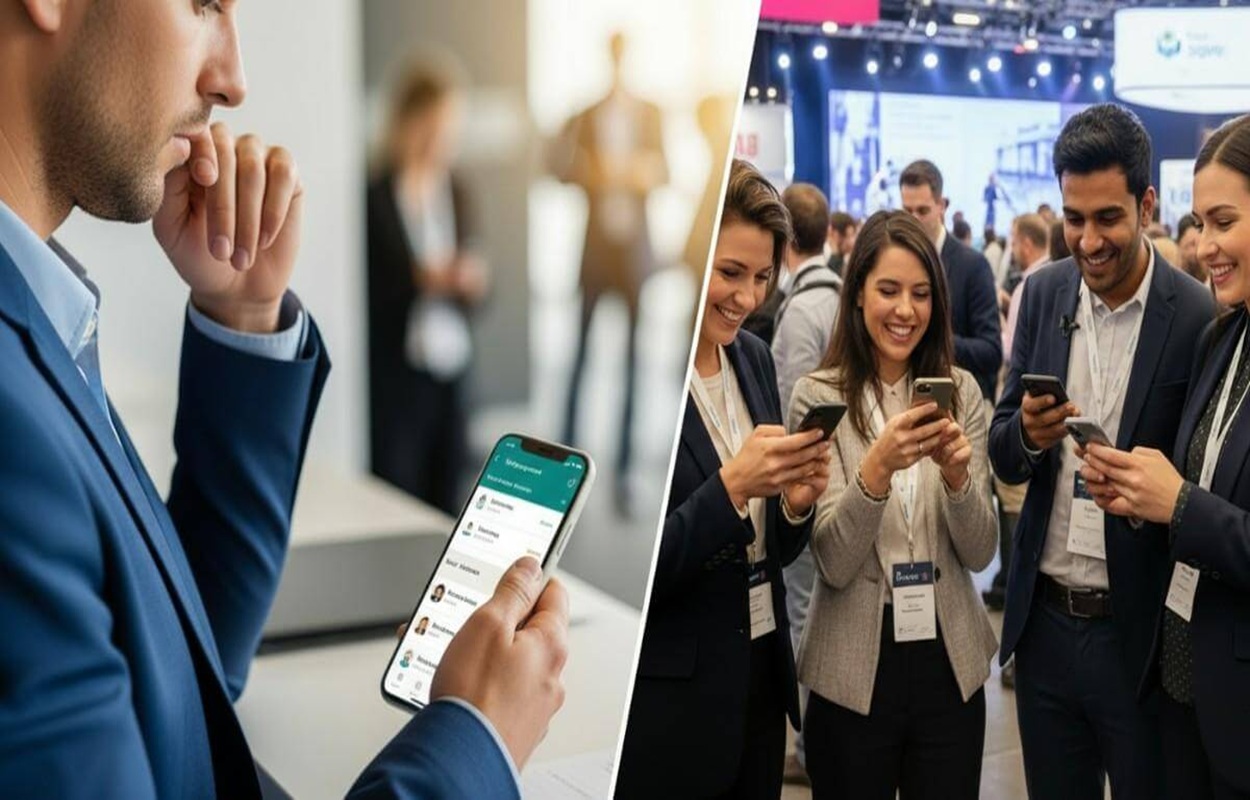
An event attendee app is the companion of attendees. Attendees can use it to register, check in, browse schedules, and connect with others. Everything they need for the event is right on their phone.
Here’s what it usually does:
- Make registration and check-ins easy.
- Shows your personalized schedule.
- Helps you network with other attendees.
- Keeps you engaged with polls, quizzes, and updates.
- Gives you quick access to event resources like slides or videos.
In short, the attendee app makes the event more organized, fun, and stress-free. When everything runs smoothly, attendees feel happier and more connected to the event.
What Is an Event Organizer App?
Now, let’s flip the view to the organizers.
An event organizer app is designed for the people running the event, like planners, coordinators, and managers. It gives them full control and helps them keep track of everything happening in real-time.
Here’s what it helps with:
- Tracking registrations and check-ins.
- Monitoring session attendance and engagement.
- Managing speakers, schedules, and announcements.
- Sending push notifications when there are updates or changes.
- Getting post-event reports and insights.
Basically, it’s like having a command center in your pocket. Without this app, things can easily get messy. But with it, organizers can manage everything efficiently and handle unexpected situations smoothly.
Why Both Event Apps Are Important
You might think, can’t we just use one app? Maybe just for attendees or just for organizers?
Well, you could, but then you’d be missing out. The magic really happens when both apps work together. Here’s why:
1. Smoother Operations for Organizers
With an organizer app, teams don’t have to juggle Excel sheets or paper lists. They can see real-time data to know who’s checked in, which session is crowded, and what needs attention. It keeps everything under control.
2. Better Experience for Attendees
For attendees, the experience should feel effortless. They should be able to check in, find sessions, and connect with people easily. A good attendee app makes that possible and keeps them engaged throughout the event.
3. Real-Time Connection Between Both Sides
When both apps are linked, updates flow instantly. If a session changes or a speaker is delayed, organizers can send a push notification, and attendees get it right away. Everyone stays on the same page.
4. Smart, Data-Driven Decisions
The organizer app collects useful data. It can be about attendance, engagement, popular sessions, and more. This helps organizers learn what worked and what can be improved for future events.
5. Personalized Experience for Every Attendee
Even if thousands of people are attending, the app can send personalized schedules, session suggestions, or notifications. It makes each attendee feel like the event was designed just for them.
Choosing the Best App for Event Attendees (and Organizers)
If you’re planning to use an event app, here’s what to look for on both sides:
For Attendees:
- Easy to use — simple menus and navigation.
- Smooth registration & check-in — a must-have feature in any good event check-in app.
- Networking tools — chat or connection requests to meet others.
- Personalized agenda — so they can plan their day easily.
- Engagement features — polls, surveys, or games to make things fun.
For Organizers:
- Real-time dashboard — to track attendance and engagement.
- Flexible customization — to match the event’s branding.
- Analytics & insights — to measure event success.
- Instant updates — push notifications for changes or reminders.
- Integration options — it should connect with your ticketing, CRM, or event registration app.
And of course, both sides should work well together. That’s what makes the difference between an average event and a great one.
Common Mistakes to Avoid
Even with the best tools, small mistakes can affect the experience. Here are a few things to watch out for:
Too many features: If the attendee app feels complicated, people won’t use it. Keep it simple.
Weak analytics: Without good data in the organizer app, you can’t measure success properly.
Low adoption: If attendees don’t download or use the app, its value drops. Promote it early and make it appealing.
No data security: Make sure your app keeps attendee information safe.
Disconnected systems: Your event check-in app and registration system should sync smoothly.
No follow-up: Don’t forget to use the post-event data. Send thank-you notes, share session recordings, and keep the engagement going.
Final Thoughts
Modern events rely on two key tools, i.e., the event attendee app and the event organizer app. They serve different purposes, but when used together, they create a smooth, connected experience for everyone involved.
For attendees, it means convenience, engagement, and easy access to everything they need. For organizers, it means control, insights, and stress-free management.
So, when you’re planning your next event, look for a setup where both the attendee and organizer apps work hand-in-hand. That’s the real secret to a connected, memorable, and well-run event.
Mayra